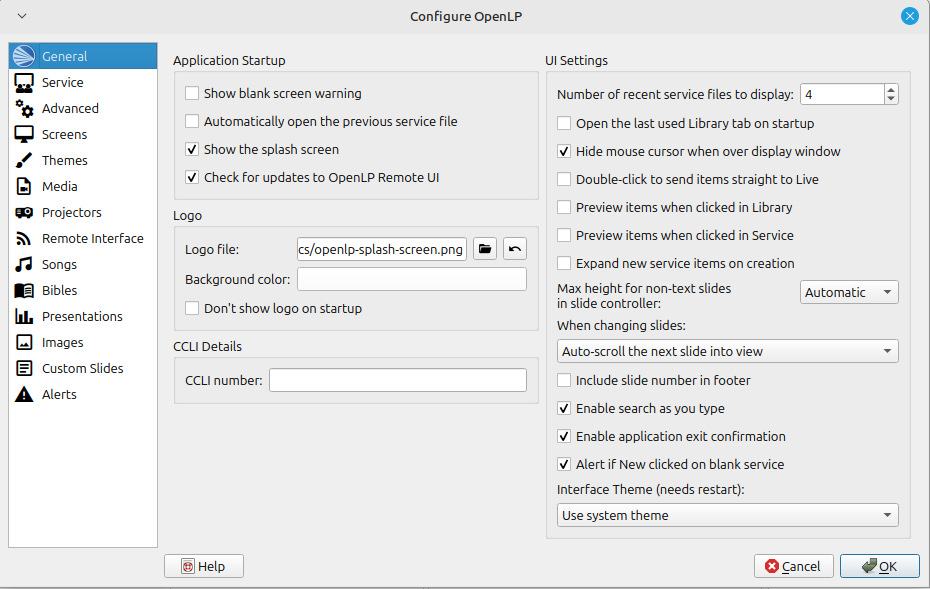
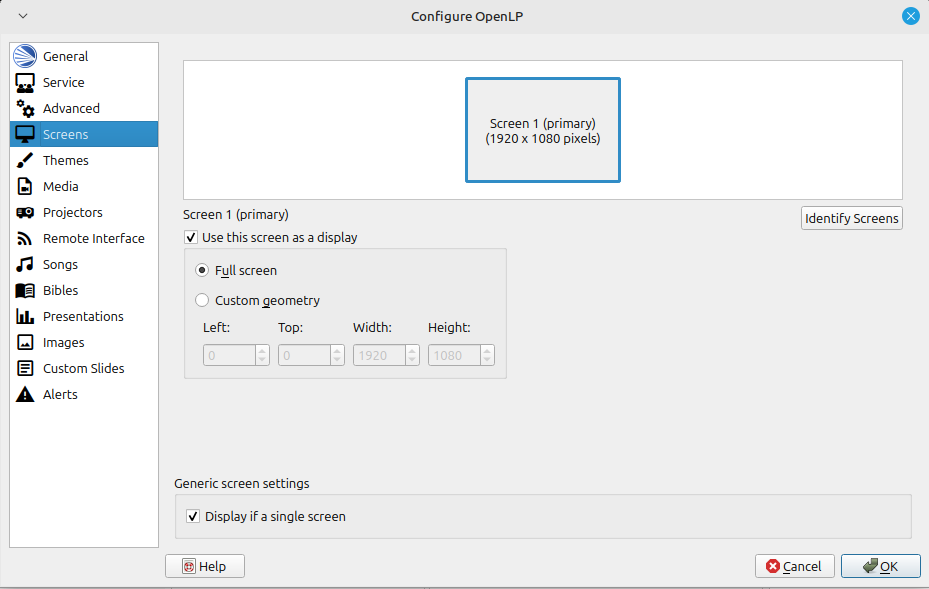
I'm running Linux Mint 22.2, OpenLP 3.1.7, on a PC with a single display.
When OpenLP is running, there is always a button in my task bar that says "Display Window". Here is a picture of my task bar.

The behavior is really strange. When I click on the Display Window button in the task bar, no window appears. How do I even describe the rest. I'll try. I click on something in OpenLP such as Open File, and up pops the normal dialog to open a file. I pick one and open it.
This is where it gets weird. Now I can't click on anything in OpenLP. In fact, I can't click on anything . For example, I can't click back to my browser to continue typing this message. And in my Task bar, "Display Window" is lit up like it's the application with the focus. If I click on the OpenLP button in the task bar, it comes to the front and the task bar button lights up, but I can't click on anything. As soon as I try to click on something, the Display Window button on the taskbar lights up. If I click the Display Window button, the Open LP button lights up and I can do things in OpenLP again. OpenLP is lit up in the Task Bar as I use it.
At any time if I click on another app's button in the task bar, the focus switches to that app which works normally.
I can switch between other apps by clicking their windows as usual. It's only if OpenLP is in front, I'm unable to click in it, and Display Window is lit in the task bar that I am unable to click anywhere but the task bar.
If I click on the "Display Window" button when it's lit up, the focus goes to OpenLP. Now I can click on most things in OpenLP. However, if I click on certain things, I can't then click on something right after that without clicking on Display Window. I could click on songs in the song list, or the plug-in buttons (Bibles, Presentations, etc.).
Things that I click on that cause me not to be able to click on anything else:
New Service
Open Service
Adding a song to a service.
Anything in the Live window, like a verse or a chorus, where the words are.
I can click on Save, move songs up and down within the service, delete songs.
I just discovered that when I press ESC, my PC toggles between full-screen lyrics and what would appear when I would click "Show Desktop" in the remote. After toggling between them, I can click things in OpenLP.
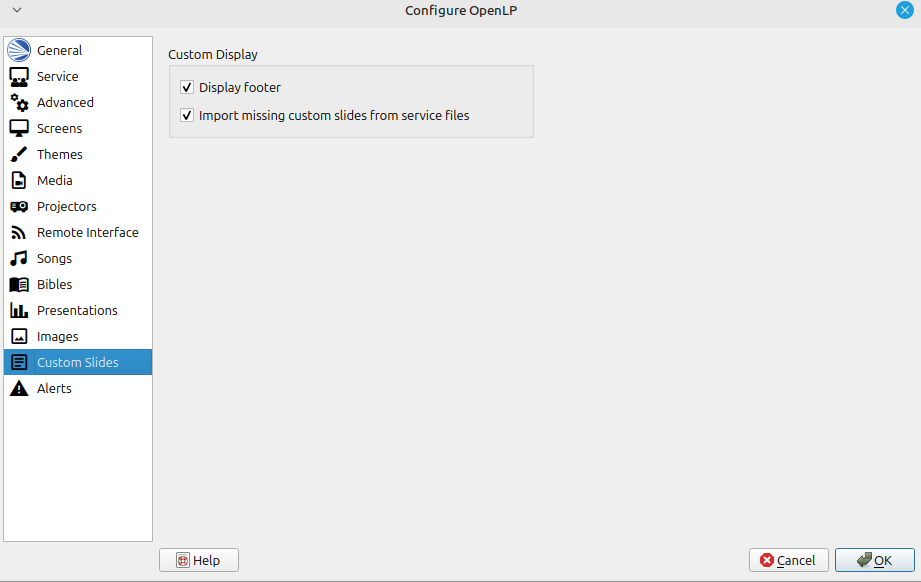
Basically, my PC seems to become non-responsive, except I can click on things in the task bar. It's like it thinks it's in display mode but it's not showing any slide. I can generally get things to work by clicking Display Window when they don't, which is often.
BTW, when it actually is in display mode showing a slide, (such as when I toggle as I described above) the task bar is not visible.
I right click on the Display Window button and get the normal menu: Minimize, Maximize, Always on Top, etc., and Close. But none of them seem to do anything.
Has anyone else seen anything like this?